TDM is a lightweight download manager for Android. It speeds up transfers with
multi-threaded downloading, survives a dropped connection, and sorts finished files into videos,
audio, documents and archives automatically — so you are not digging through a single messy
Downloads folder any more.
From the developer. This site is run by
DevMax Inc., the developer and publisher of TDM. Installation happens on Google Play and nowhere else
— there is no APK to sideload. About the publisher.
1M+Installs on Google Play
4.4★27,800+ Play ratings
EveryoneGoogle Play content rating
FreeAd-supported, no subscription
Figures shown are the public Google Play statistics for
com.tdm.manager and change over time.
Features
What TDM actually does
No feature list padding. These are the things the app does,
and the reason each one exists.
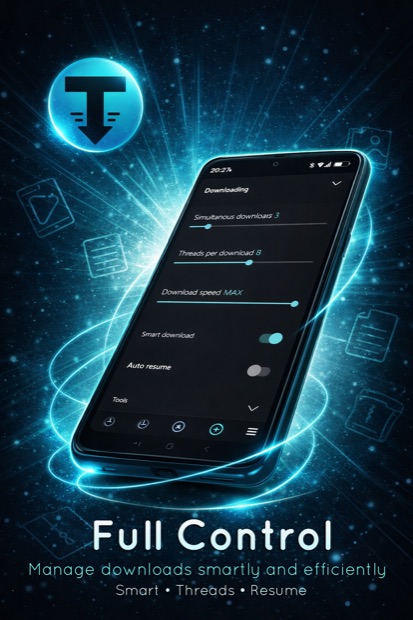
Multi-threaded transfers
TDM opens several connections to the same file and fetches parts of it in parallel. On
connections where a single stream is the bottleneck this finishes a large file noticeably sooner.
Real speed still depends on your network and the server you download from.
Pause, resume and auto-retry
Stop a download and pick it up later from the same byte instead of starting over. If the
network drops mid-file, TDM retries automatically — useful on mobile data and weak Wi-Fi.
Automatic sorting
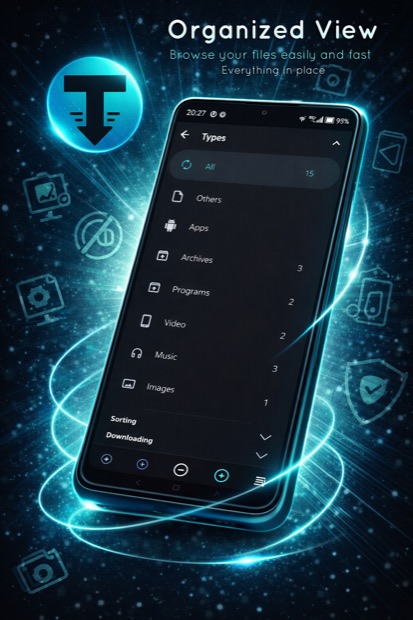
Finished files are grouped by type — video, audio, documents, images, archives — and
can be sorted by name, size, date or status. Search finds any file without scrolling.
Wi-Fi-only mode
Queue large files on mobile data and let them start when you are back on Wi-Fi. A simple switch
that stops a 2 GB file from eating your data plan by accident.
Real progress information
Current speed, time remaining, downloaded bytes and total size for every item — per
download, not just one vague progress bar in a notification.
Light on the device
Small install size, a dark interface, background work tuned to avoid draining the battery, and
a limit you set yourself on how many downloads run at the same time.
How it works
Three steps, no account needed
Install from Google Play
Free, no registration, no sign-in. TDM works offline for managing your existing files.
Send it a link
Paste a URL into TDM, or use the Share menu in your browser or any other app and pick TDM.
Let it finish in the background
Close the app. TDM keeps going, retries on failure and notifies you when the file is ready.
What you can download with TDM
TDM is a general-purpose transfer tool, the same way a desktop download manager is. Typical use:
firmware and driver files, PDFs and course material, your own backups and exports, podcast episodes,
open-licence media, large archives from a file host, and installers you have the right to obtain.
TDM does not remove or bypass DRM, and it does not extract media from streaming platforms.
You are responsible for having the right to download any file you add — see the
acceptable use rules.
Screenshots
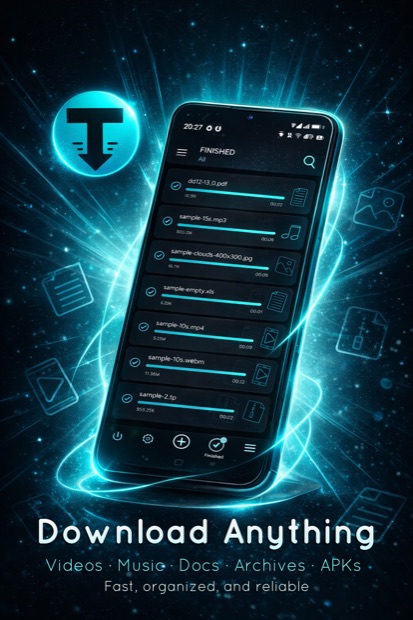
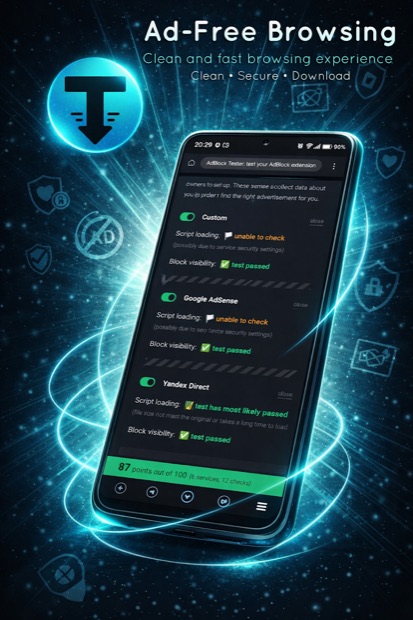
The interface
Dark by default, one list, no tabs to hunt through.
Screenshots from the Google Play listing. The interface
may differ slightly between app versions.
Comparison
Why not just use the browser downloader?
For a 2 MB PDF, the built-in downloader is fine. The
difference shows up on big files and bad connections.
Situation
Built-in browser download
TDM
Connection drops at 80%
Usually starts again from zero
Resumes from where it stopped, retries on its own
Large file, slow single stream
One connection
Several parallel connections to the same file
Finding the file afterwards
One flat Downloads folder
Grouped by type, sortable, searchable
You are on mobile data
Downloads immediately
Wi-Fi-only mode queues it until you are on Wi-Fi
Several files at once
No control over concurrency
You set how many run in parallel
FAQ
Common questions
Is TDM free?
Yes. TDM is free to install from Google Play and there is no subscription. The app is
supported by ads, which are shown inside the app. There is nothing to pay on this website.
Do I need to create an account?
No. There is no sign-up, no login and no email required to use the app.
Where are my downloaded files stored?
In your device storage, in the download folder you choose in the app settings. Files stay on
your device — TDM does not upload them anywhere.
Can I download videos from streaming services?
No. TDM is a file transfer tool for links you have the right to download. It does not
bypass DRM and is not designed to extract content from streaming platforms. Using it to obtain
copyrighted material without permission is against the terms of
use.
Which Android versions are supported?
Google Play states the requirement on the listing and will tell you whether your specific
device is compatible before you install.
Why does the app ask for storage permission?
To write downloaded files to your device and to show you the files it has already saved.
Full details are in the Data safety section of the Google Play listing and in the
Privacy Policy.
Contains ads · No in-app purchases · Rated for Everyone
Cookies. This site would like to set analytics and
advertising cookies to understand how it is used and to measure ad campaigns. They are only set if you
agree. Essential cookies are always on. See the Privacy Policy.